SGV 101
1 Welcome to the Version Control 101
You will find here all the information relative to the class Systèmes de Gestion de Version
1.1 Learning Outcomes
By the end of this course, students will be able to:
- Understand the Basics of Version Control
- Explain the purpose and benefits of version control systems (VCS).
- Distinguish between centralized and distributed version control systems.
- Explain the purpose and benefits of version control systems (VCS).
- Set Up and Use a Version Control Environment
- Install and configure a Git Client.
- Create and initialize repositories for project management.
- Execute essential commands such as Stage, commit, pull, push, and clone.
- Collaborate Using Version Control
- Create and manage branches for parallel development.
- Merge branches and resolve conflicts in a collaborative environment.
- Create and manage branches for parallel development.
- Implement Best Practices in Version Management
- Write clear and concise commit messages.
- Organize repository structures for scalable project management.
- Write clear and concise commit messages.
1.2 Schedule
- Session 1 : Introduction to Git and Github
- Class (1h30): Introduction to Git Concepts
- Activity (2h30):
- Create a Github account
- Set up a Git Client
- Create your first local Project
- Publish your project to a remote repository (Github)
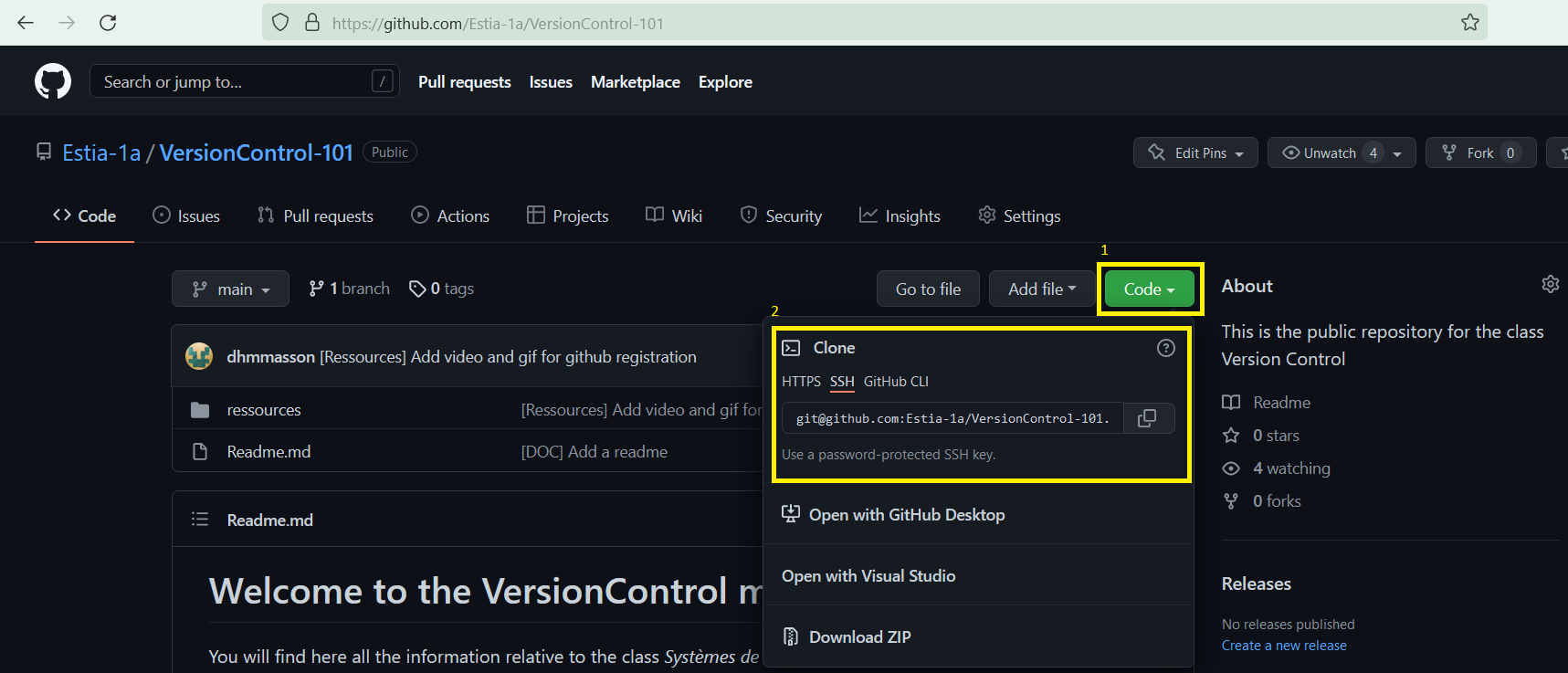
- Clone a project from Github
- Session 2 : Web Development Project
- Project (4h):
- Join your team using Github Classroom (link in moodle)
- Code and Commits
- Project (4h):
- Session 3 : Web Development Project and Quizz
- Project (3h30):
- Code and Commits
- Evaluation (15min)
- Quizz on Moodle
- Automatic Evaluation of the project on Github
- Project (3h30):
You can use the issues système to ask questions
No matching items